Nothing leaves your machine that you did not choose to send
By default that is hours and nothing else: segments, days and their timestamps. No window titles, no file names, no app names, no URLs, no keystrokes, no productivity score, no telemetry. A manager sees durations. They cannot see your screen.
- screen capture ships off — not off-until-configured, off on every install
- only you can switch it on, from your own Settings; there is no admin switch and no server-side enable
- you can revoke it and delete what was captured at any moment, without asking anybody
- we will not build keystroke logging, activity scoring, idle-faking detection, employee ranking, or a control that enables capture for somebody else — at any contract value
Every one of those is written down where you can hold us to it: in the privacy policy, in the app’s own Settings copy, and in the release notes when it changes.
Signing in with Google
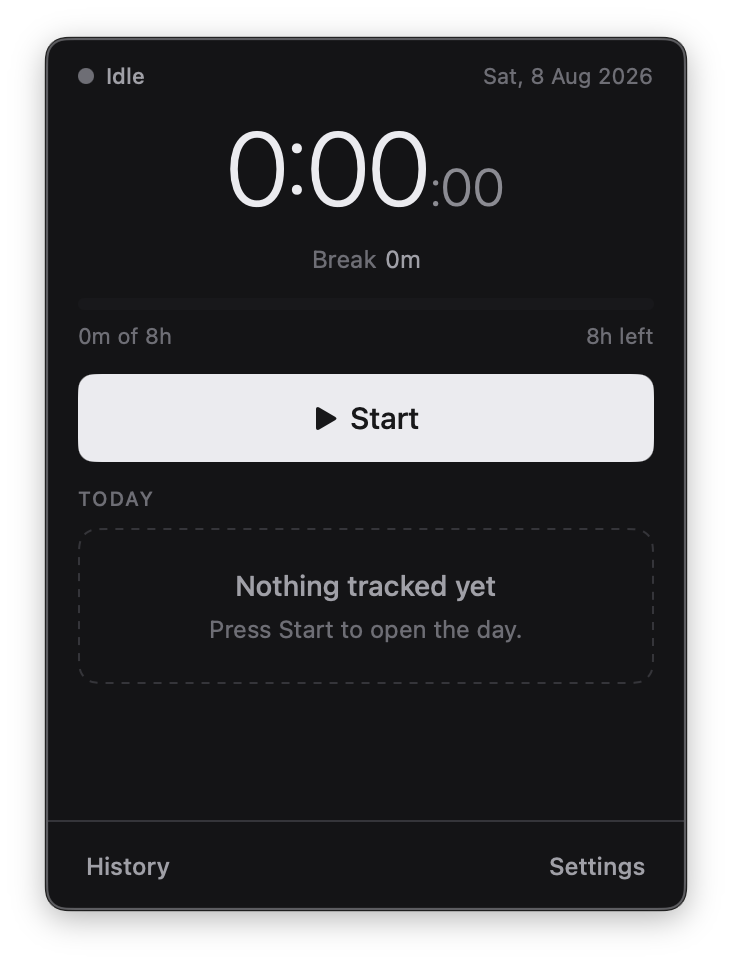
Deylee is a time-tracking app for macOS, and it needs an account before it will track time. You can install it and open it without one, but pressing Start raises sign-in, and the timer begins only once that succeeds. An account is what lets the hours you record on one Mac appear on your other devices; after the first sign-in the app keeps working offline, because both your session and your hours live on your own machine.
If you choose Sign in with Google, Deylee receives only the email address, name and profile picture on that Google Account, and uses them for one purpose: to identify your account, so the hours synced from one device are matched to the right person on the next. It asks for no access to Gmail, Google Drive, Google Calendar, Contacts, Photos or any other Google service, and never receives your Google password. Signing in with an email address and a six-digit code instead is equally supported, and involves Google not at all. What Deylee stores, sends and refuses to collect is set out in full in the privacy policy.